


DIY 3D controller kit praised as "game changer" for CAD work. Customers said it's "most intuitive" way to navigate designs, superior to SpaceMouse. Assembly instructions are excellent, though soldering required. Software is highly customizable but complex for some. Works with FreeCAD, Fusion360, OnShape. Issues noted: battery drainage, reconnection problems, button ergonomics, limited software integration.
- Navigating through your designs just became as easy as breathing
- The closest I have felt to actually having the part in my hand
- This device is an absolute Game Changer
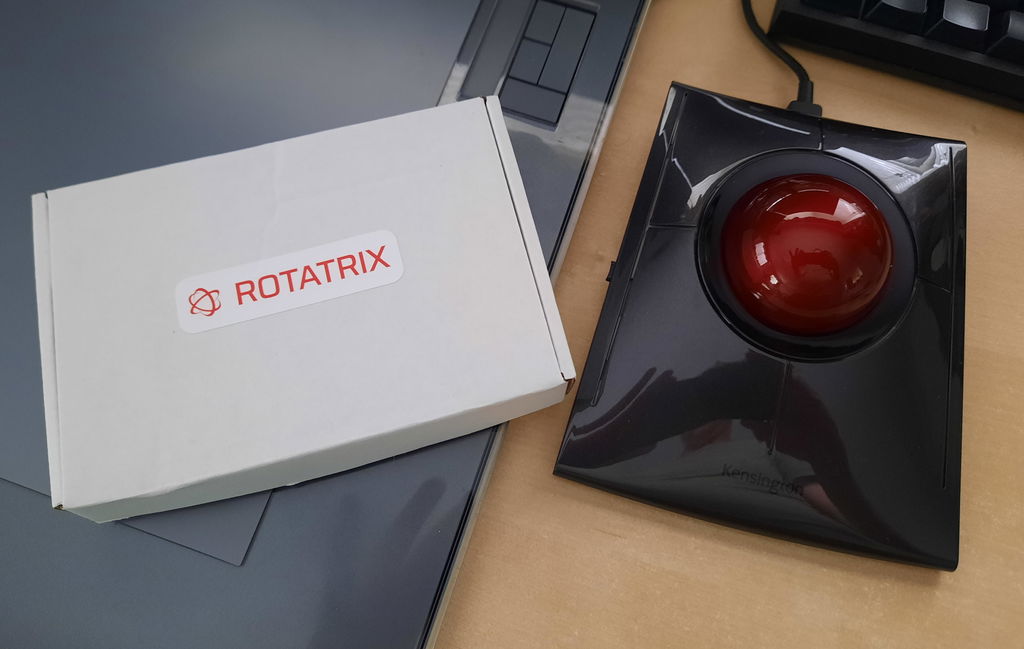
Can't beat the Kensington.... Until you install the Rotatrix mod. Smooth install and setup procedure. Some skill issues but all issues I've had are down to learning the new workflow. But it's super intuitive.
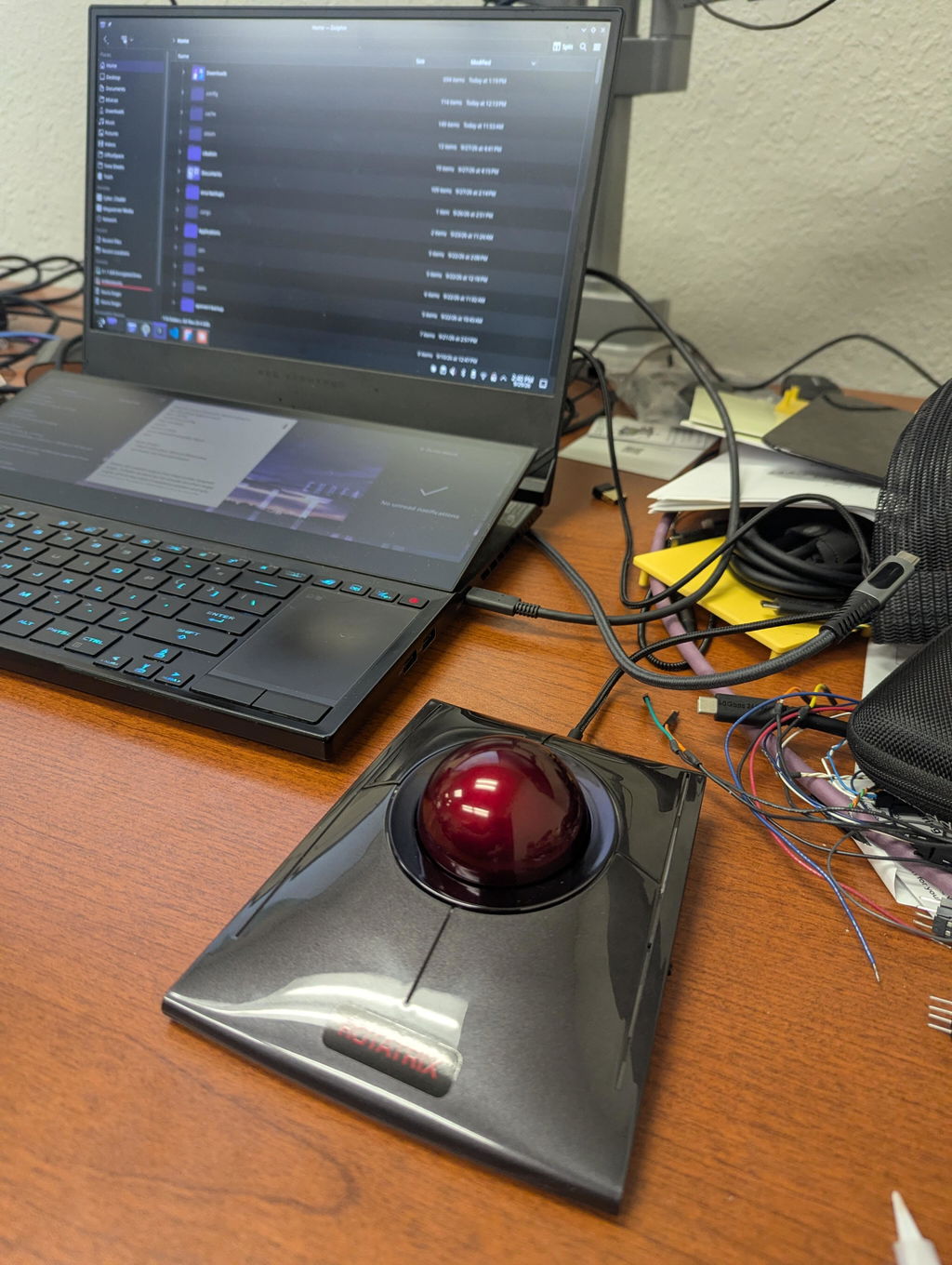
Use it with Semiens Solid Edge. Not officially supported so I needed an input translation layer. Once that was mostly functional I'd say this mouse lives up to the hype. It is indeed very intuitive. Only complaint I'd had for the default configuration is the zoom/scroll effect being a bit more difficult to use precisely as a wheel but I'm sure with time this can be learned.
I bought this because it's supposed to solve the rotate/pan/zoom funkiness in Fusion, and it's awesome! The software is surprisingly polished and easy to program. Using the trackball in Fusion is completely natural, it's about a 3 second "get used to it" period. You can also program scroll for all your other apps, particularly long spreadsheets, etc, I can use a mod key like option, or I can use a twist motion on the trackball itself. Seriously well thought out software and intuitive use everywhere. I love it.
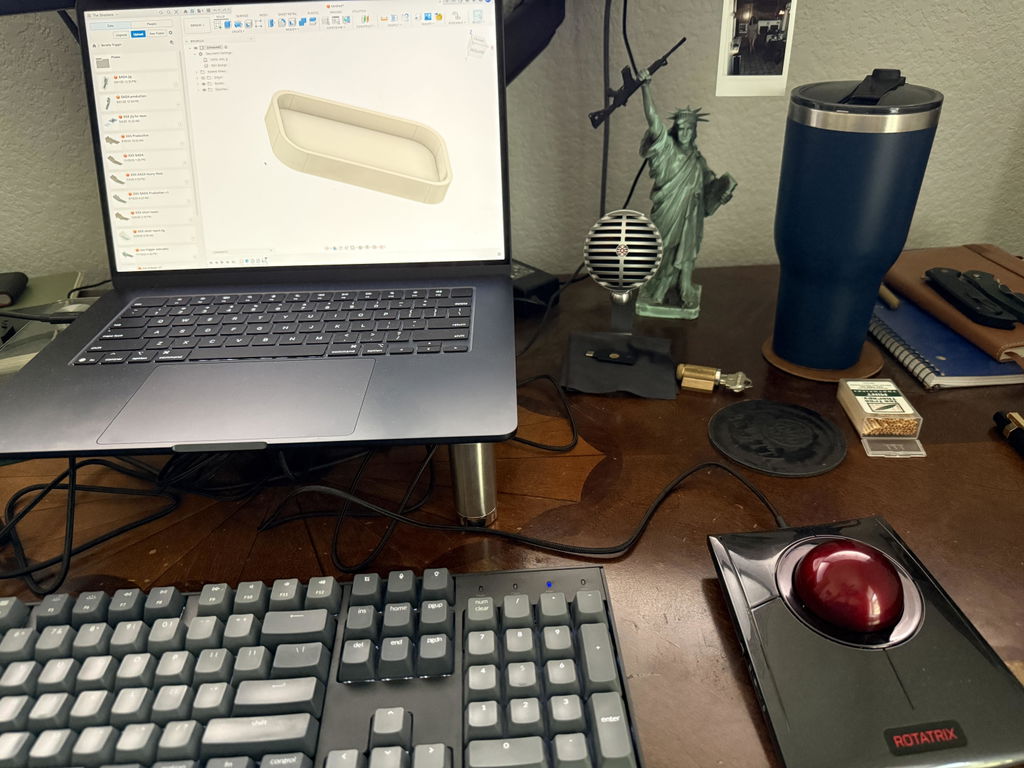
It was a bit of a pain to put together, but I got it working in the end.
The kit is a bit pricey, and you need to be comfortable with physically damaging a high-end trackball. If you're not careful, you could also damage the electronics. So if you're not confident doing that sort of thing, I'd give this DIY kit a miss.
I do wish it worked better with Alibre Design, as that's what I use. Hopefully that'll be addressed in the future.
The one question I keep coming back to is: why isn't it open source? I'm sure a community of capable people would be happy to help develop it.
3.5/5
I can definitely see the potential. For me, it'd be a 5/5 if it were a bit cheaper, open source, supported more CAD packages, and was easier to get up and running.
Then again, it's still a fairly new project, so we'll see how it develops. I like the idea, and that's why I bought it.
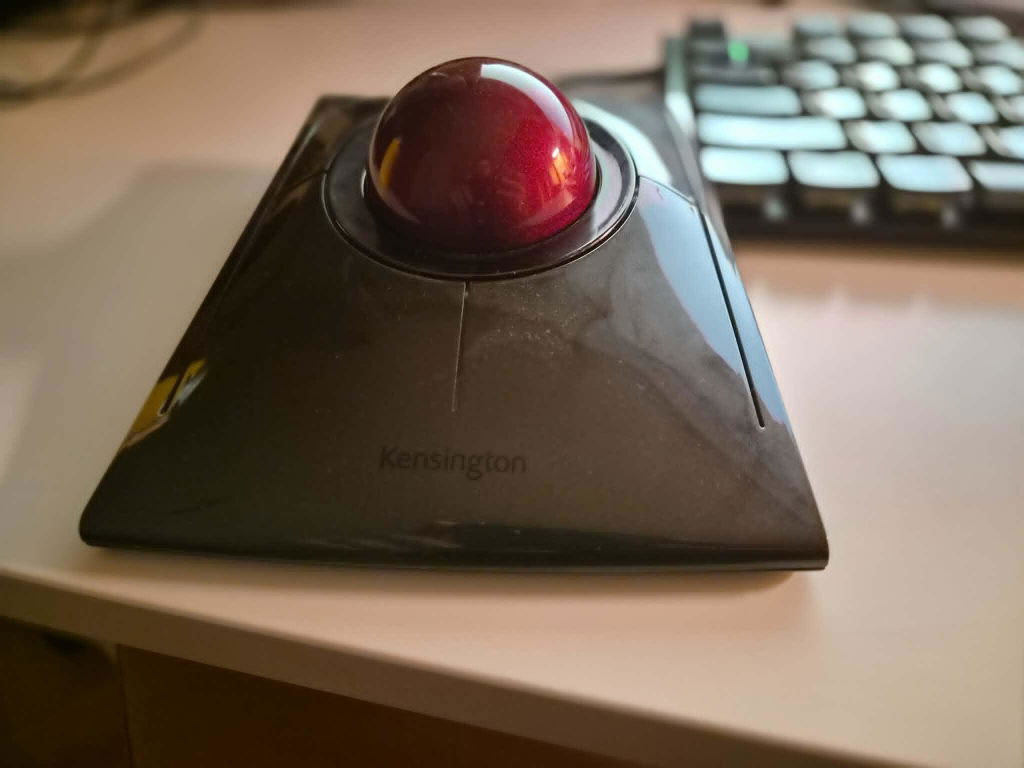
HI Adam, glad you were able to build it successfully. Indeed, the Hybrid kit is for electronics enthusiasts; I'd recommend the Wired kit for an easy-to-install version with no soldering. Alibre doesn't have a native plugin so it won't benefit from true 3D control yet. It will only act as a regular trackball with twist as scroll wheel (albeit with upgrades over the stock Kensington). The output protocol is open specifically so that community can help develop plugins - get verified on the Discord and check #openaxis for current draft before the finalized public release. I look forward to hearing what you think once Alibre is fully supported.
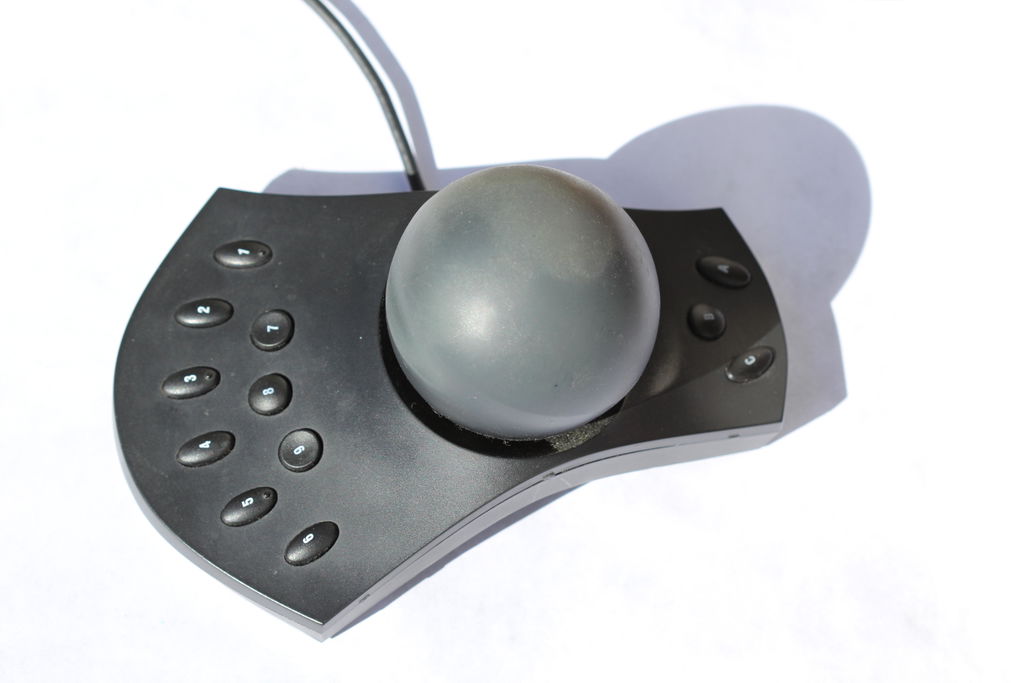
I bought my first 3d navigation aid over 20 years ago. it was called a 3D Connexion Space Pilot and consisted of a base with buttons and a large ball above it. I had assumed that I would rotate the ball and the object on screen would rotate by the same amount but the ball was simply a knob on top of a joystick. I felt deceived, the company had tricked me with ‘window dressing’!
I knew what I had expected was technically possible, I had seen a demonstration of a virtual sculpting device with haptic feedback, but no company developed this idea for the CAD market and it seems that 3D Connexion have had a virtual monopoly on 3d mice.
That is until the launch of Rotatrix.
This device (and I don’t use these words lightly) is an absolute Game Changer. I love moaning about things, but i fail to see how I can criticise this product. it works perfectly every time, and I have not encountered any bugs in the software. The only gripe I can make is: Why the hell has the CAD community had to suffer for so long without it?
I bought the ‘hybrid’ version kit. Assembly video and printed instructions are straightforward for anyone with some soldering experience. However, if you do not need to use your trackball as a 2D wireless mouse I would recommend the wired version, it looks like a more elegant solution.
Sparse information on how to bind keys in the software, but I easily sorted it out on Discord and I am sure that pretty soon some helpful person will make a YouTube video.
...anyone want to buy my old Space Mice??? I don’t see me ever using them again!!!
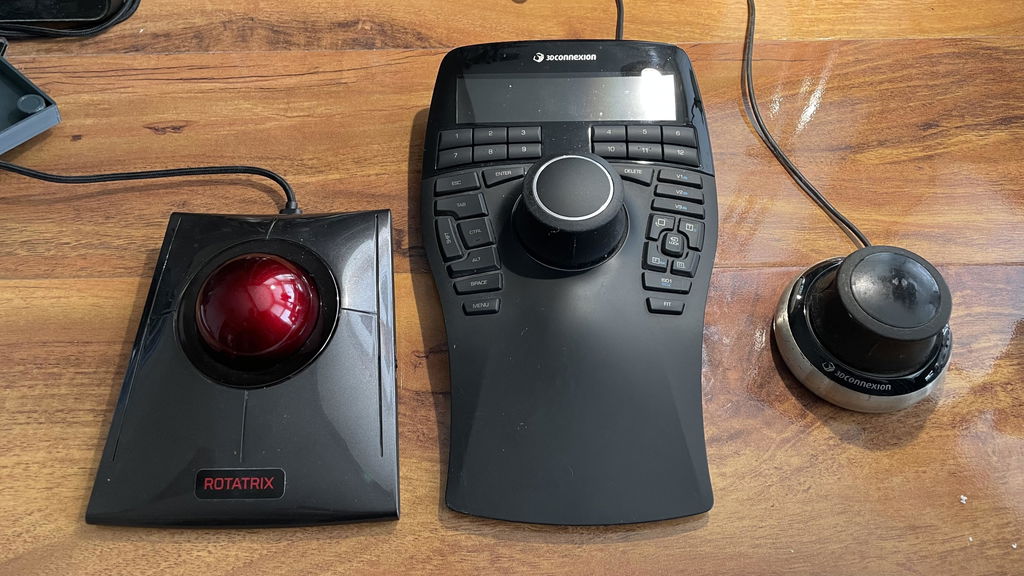
Self-assemble kit is solid. Instructions were easy to follow. As a noob to soldering the only part I had a bit of an issue with was tining and soldering the microchip without getting to hot but there was a note in instructions to be careful and all went well.
Haven't had as much time to use it as I would like but initial software setup and function on Ubuntu and OSX was smooth.
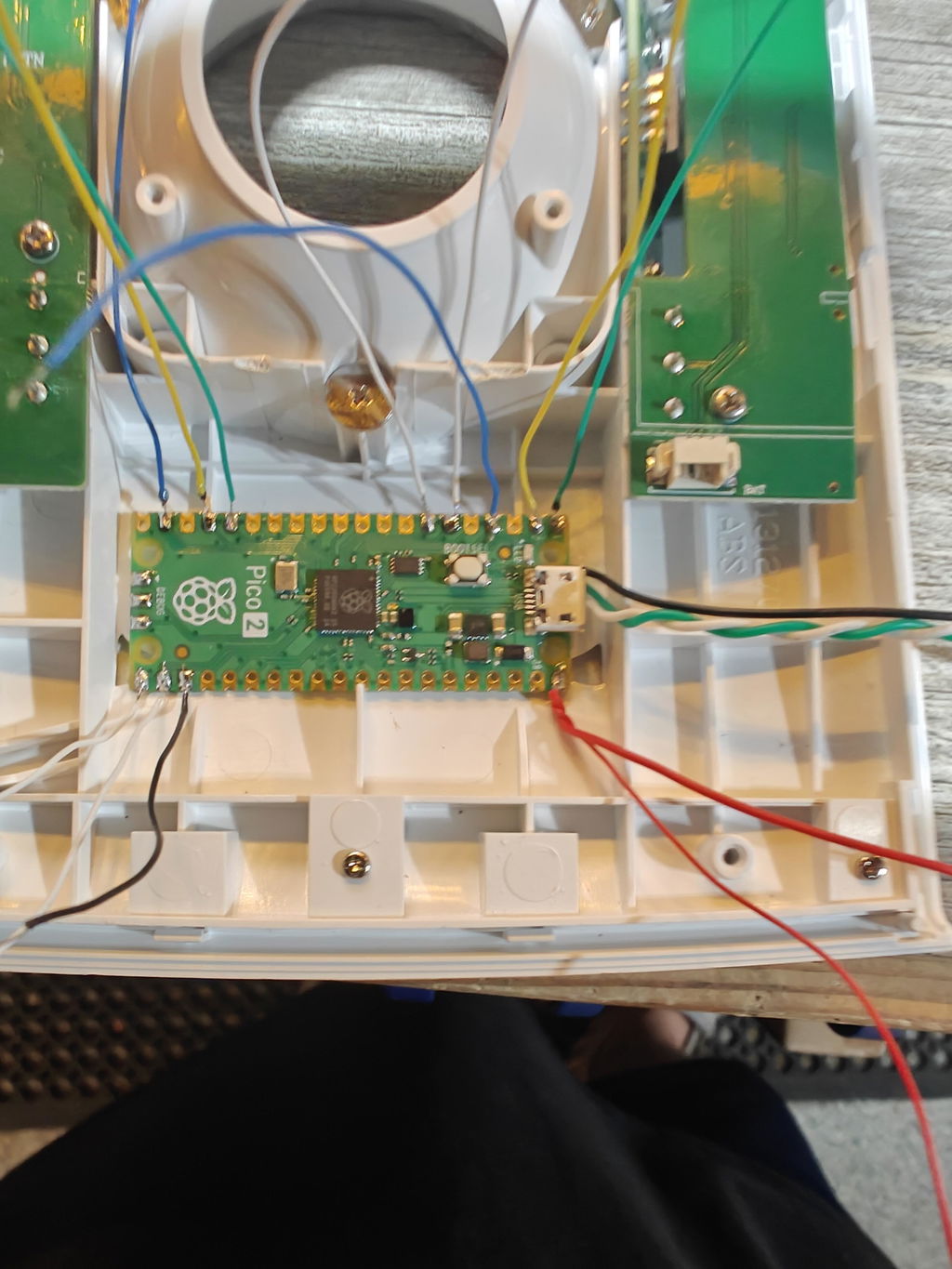
I use my Rotatrix every day at work, its the next best thing to being able to reach out and grab parts to move them in 3D space. The ability to change between modes quickly and easily makes navigating my CAM environment a breeze, and the intuitive control means I don't end up working at weird angles because the mouse didn't do what I intended.
I bought the kit and found it very simple to install and get working (I have a background in electronics), the instructions were some of the most well written I've seen, and the materials provided were great.
The Rotatrix has definitely sped up my workflow!
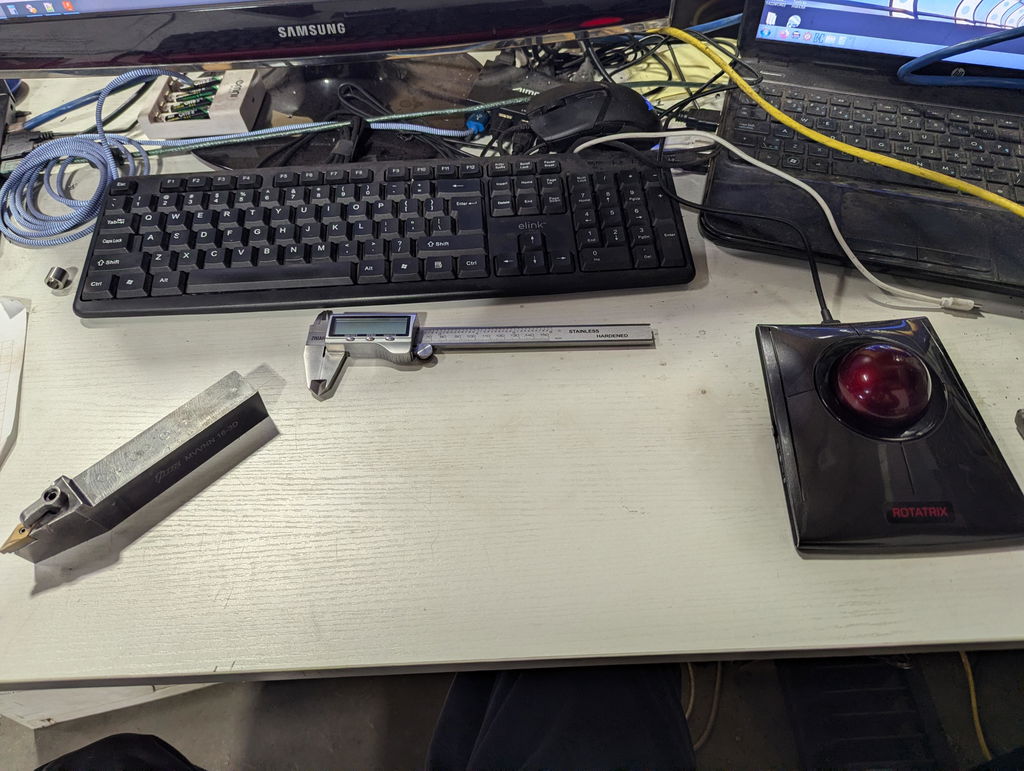
Rotatrix is instantly intuitive and makes 3D navigation feel natural, buttery smooth and fun. I use Rotatrix with Rhino and Blender and it has been a transformative experience. Models on screen often feel like they are in my hand when I am navigating a scene with Rotatrix.
The wired kit installation is very straightforward and only takes a few minutes thanks to excellent video instructions. Using the Rotatrix app also is a delight making connecting to Rhino and Blender a seamless experience.
David is very accessible and super-responsive with feedback. He is quick to address bugs or usability issues with software and firmware updates.
A lot of thought, work and care has gone into making Rotatrix a very polished and high-quality product. I would highly recommend this to anyone considering it for CAD and 3D modeling.
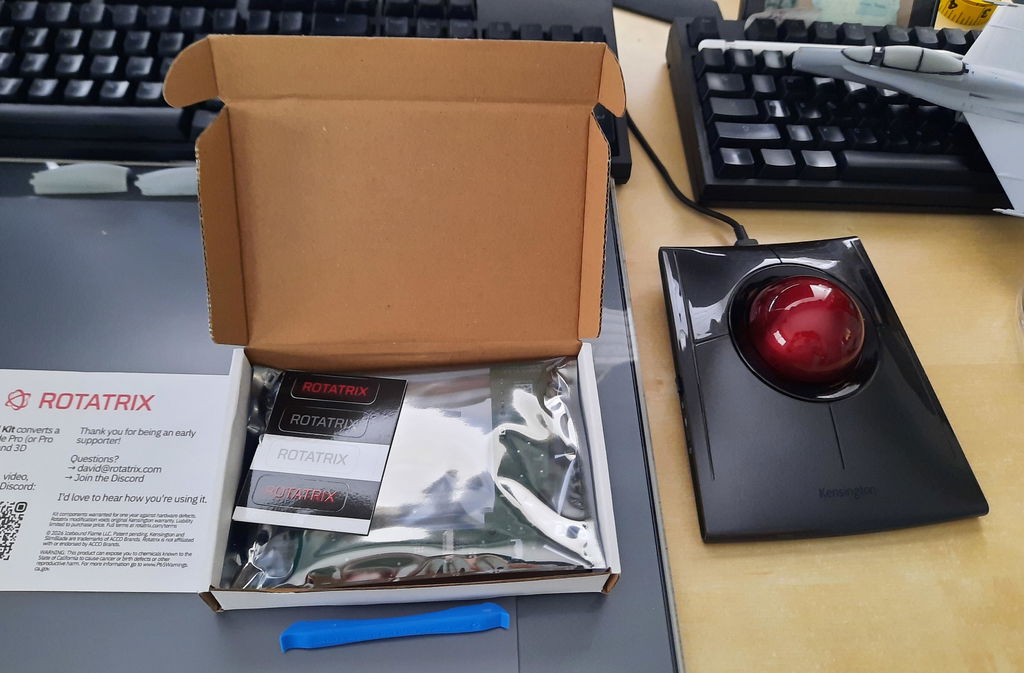
it has become my daily driver on my Mac. Primary use is in Fusion 360 but it took a few hours to become comfortable enough with it that I stopped using my Logitech MX Master completely.
I use Fusion often and just recently started using this instead of a regular mouse. There is a little bit of a learning curve while I'm unlearning old habits, but I can already tell this is going to make a big difference in the way I work. Being able to map buttons is a big deal too, as it lets me move some of the scripts I had set up in fusion with just the mouse. Shout out to David as well because I made a stupid mistake during assembly and he personally helped me figure it out after I posted about it in the forums. I could definitely see myself getting a second one of these so I don't have to drag one between work and my home office.
I love the Rotatrix for sculpting in Blender! I never got along with other 3d rotation controllers so the 1:1 rotation of the Rotatrix is great for me. I've also set up a mapping for photoshop. It's a great supplement to pen and tablet and is wasn't too hard to set up
I use it with FreeCAD and it's a natural, precise, and easy way to work. It's worth it.
I own the wired model.
Pros: This is my favorite trackball for all apps. The 3D functionality is ingenious and works great. For most apps, it works as a scroll wheel, although you can program everything.
Cons: Very minor. I was a little disappointed that it doesn't support ZBrush out of the box. I hope that will be available in the future. (Looks like I can configure it to work.)
Bottom line: Highly recommended for all creatives.
My daily driver for full computer use on my laptop, Rotatrix actually fixed the ball experience, and is really cool using 3D rotations in apps, it's a crazy good mod.
I use it with Blender and this was the missing cog in my machinery of peripherals.
I use it with Revit and Fusion 360. It is such a natural way to navigate in the model. I would miss it if I cant use in anymore.
Really good , I'm just waiting for Sketchup integration for the last star
Disclaimer: This review assumes you understand and, more importantly, are ok with the fact there will be software to configure to have the best experience (in my opinion).
After using regular mice with 12 thumb buttons exclusively, it took a week to get fully adjusted to using this blindly. Ergonomics are my main issue; It left my wrist hurting after only an hour or two of usage during the first couple days while my brain tried to figure out the best way to rest my wrist. If you already suffer from wrist pain and aren't accustomed to track ball mice, prepare yourself by purchasing a wrist rest and potentially some pain killers.
After a week or so, I started to really dial in my preferences in the config app and that's where I found the sweet spot for sensitivity while scrolling and pointing.
For productivity, this is a great mouse. I acknowledge I'm not the typical use case as a 3D graphics artist as design is still a hobby for me, but as a full time music producer and engineer it has really stretched its metaphysical legs in DAWs like Ableton Live. I have also used it in Davinci Resolve and is equally as useful to pan around your timeline.
The build quality is superb and the ball is weighted perfectly. My ONLY wish is for there to be some way for the ball to slip a little more within the mouse but I know that's likely really difficult to solve considering there are still materials coming into contact with the ball to hold it in place.
Overall, 9/10 experience with great feel and software but definitely needs a wrist rest.
The self install kit is very easy to install, not a rocket sciense. I got a used Kinesis device from ebay and "upgraded" it to the Rotatrix. Works great and OMG it is changing the workflow in a good way.
Wirles mode - I want it so so much!
Intuitive functions b the twist does take a little to get used to. Definitely speeds up my CAD flow.
Got it assembled without too much problem though you do need to read the instructions carefully and work round a few errors in them. I use it with Fusion and really like it compared to my old SpaceMouse which has gone into rodent retirement! I do not like that it needs keyboard actions to switch between modes though, and I am trying to get my head around the customisation model to change that. I would like to have the rear buttons on the device itself toggle between modes (so you do not have to awkwardly hold the buttons down) but to make that practical it really needs some onscreen indication of the current mode. A nice solution would be to change the colour of the meridians on the icon.
I bought the Rotatrix Wired Kit to replace my 3Dconnexion SpaceMouse because I was tired of constantly switching between my mouse, keyboard and the SpaceMouse.
Rotatrix solves this problem beautifully. Since it functions as both a trackball and a 3D navigation device, I can keep one hand on the keyboard and the other on the trackball at all times. This makes my workflow feel much more fluid and efficient than using a separate SpaceMouse.
I use it almost exclusively with Autodesk Fusion, where it works exceptionally well. The 3D navigation feels natural, precise, and intuitive.
The installation was easier than I expected. I used both the video tutorial and the written instructions, which complemented each other nicely. In particular, using both helped me correctly reconnect the ribbon cables (blue side up) during reassembly.
Coming from many years of using a traditional mouse, I'm still adapting to some click-and-drag operations on a trackball. However, that's a trackball learning curve rather than a Rotatrix issue.
Overall, this is an incredibly innovative and well-designed product that has become a permanent part of my Fusion workflow. Highly recommended.
Works brilliantly on windows and Linux. Been using it in freecad and I'm very happy with it! Literally a plug and play solution with a better software stack than the old 3dconnexion devices I used to use. I just wish it was easier to make it work with more organs programs (prusa slicer for example)
Intuitive, takes a bit of practice to get used to, but once you set up the shortcuts and keys, it's a breeze